How to film yourself like a pro, with just your phone
Light, framing, sound and a 20-second script that works. Everything you need to record a short video of yourself for your business card, email signature or LinkedIn, without a film crew.
Guide7 min read
Key takeaways
- Face a window. Soft daylight from the front does more than any gadget.
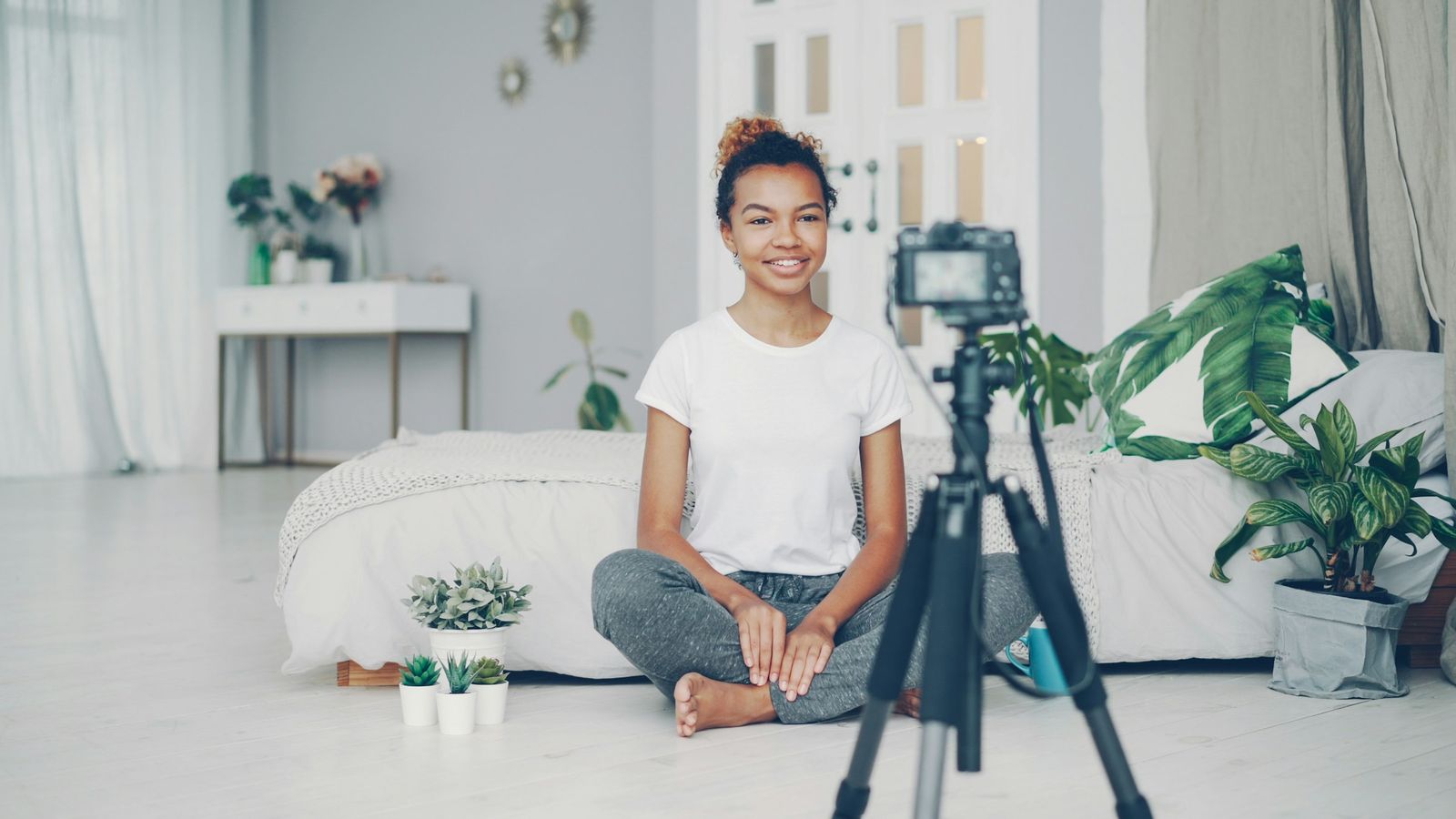
- Put the phone at eye level on a tripod or a stack of books, and record in 1080p or 4K at 30 fps.
- Sound matters more than picture: a quiet room with soft furnishings and, ideally, a clip-on mic.
- Keep it to 15 to 30 seconds: who you are, how you help, and one next step.
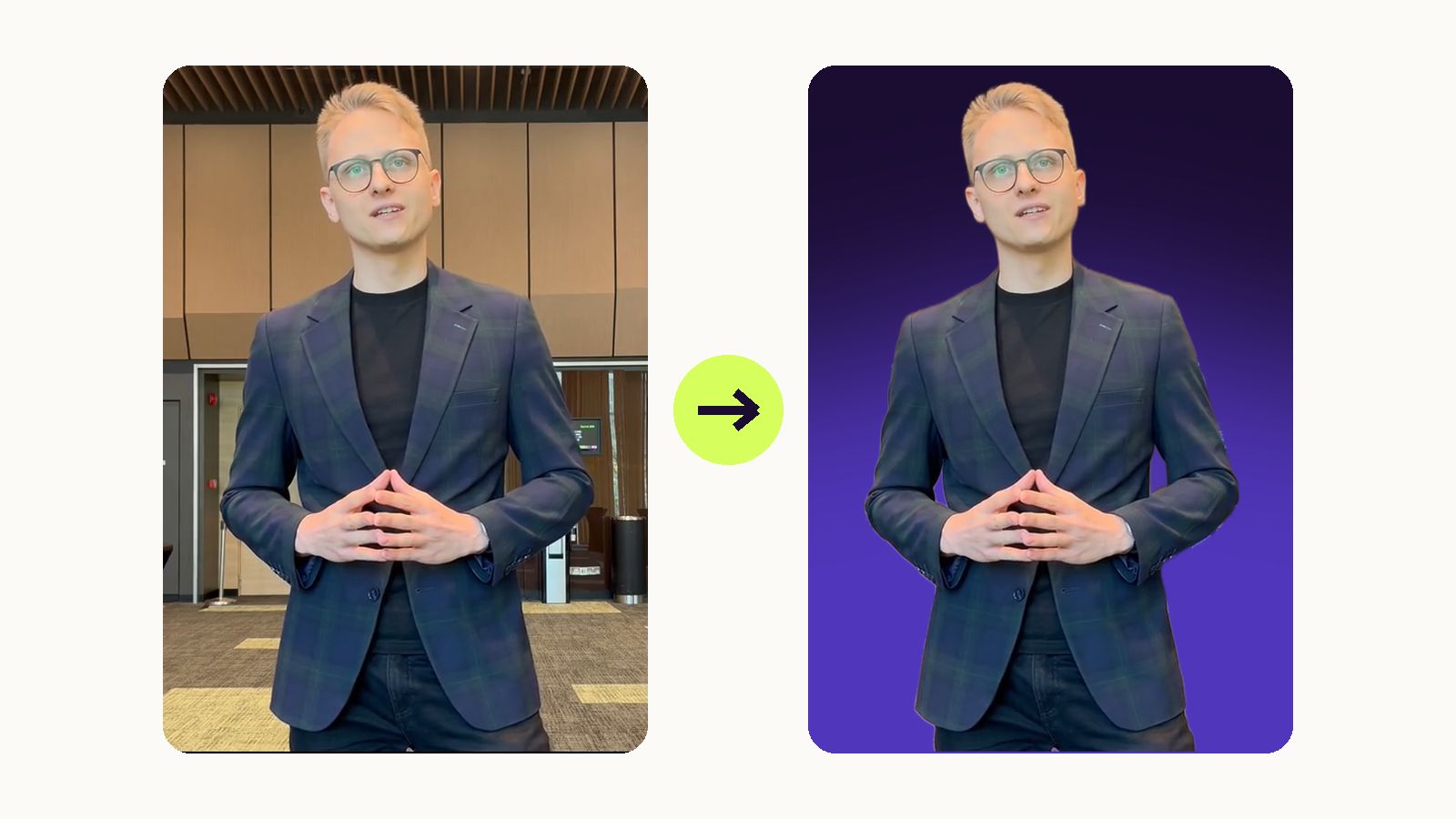
- For a hologram, stand a step in front of a plain wall and keep your whole upper body in frame.
In this article
Why a short video of yourself works
People forget names within minutes, but they remember a face and a voice. A 20-second hello does what a paragraph on a business card can't: it shows how you talk, how you smile and whether you are someone they want to call back.
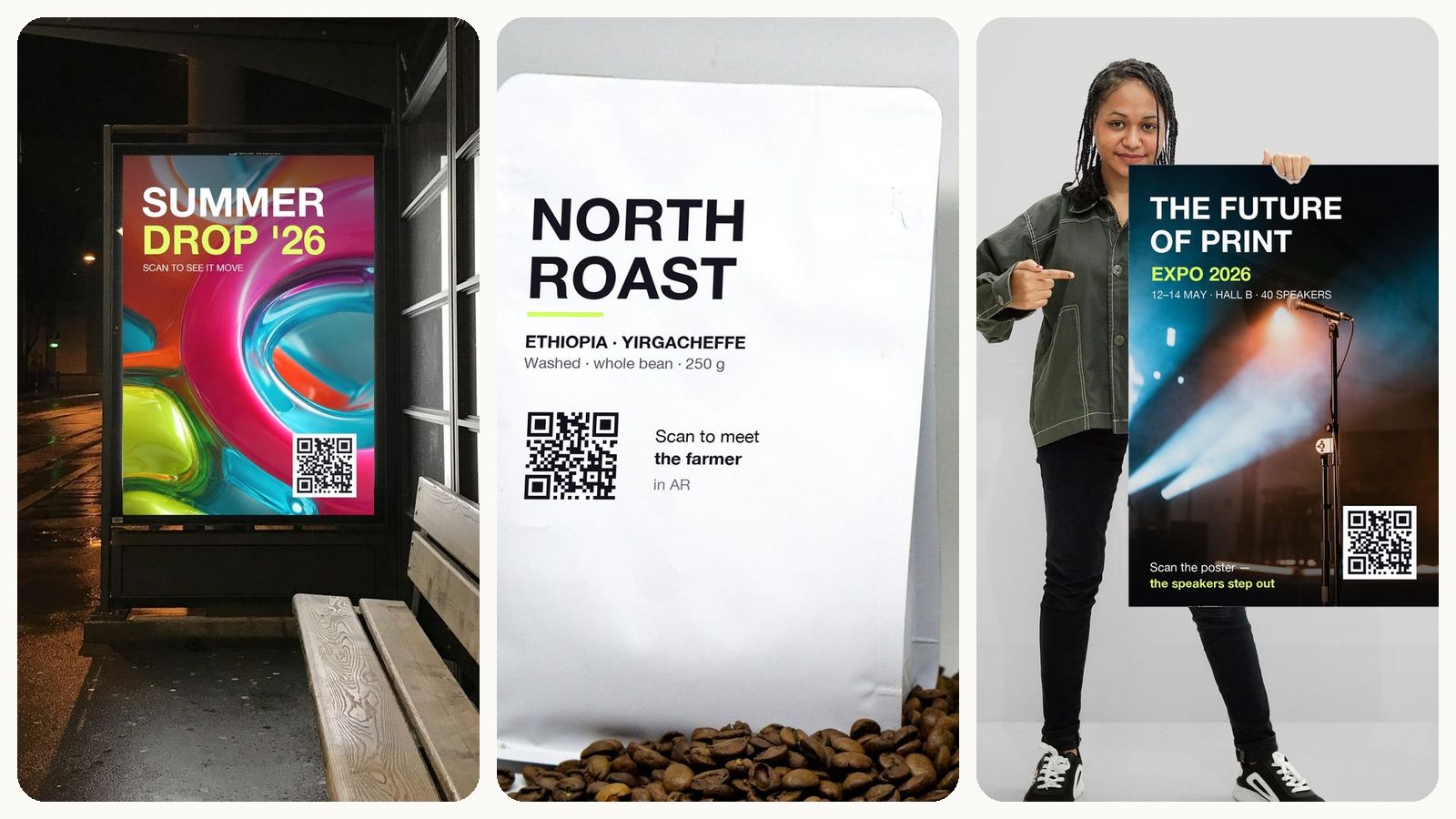
You can use the same clip in a lot of places: as a hologram on your business card, as an animated preview in your email signature, on LinkedIn, on your website's about page. Film it once, properly, and it works for you for a year.
The good news is that you don't need a camera crew. Every phone from the last few years films better video than most people need. What makes the difference is light, sound and what you say.
What you need (you probably have most of it)
- Your phone. Any recent iPhone or Android phone.
- Something to hold it steady. A small tripod with a phone clamp costs less than a lunch. A stack of books works too.
- A window. Daylight is the best light you will ever get for free.
- A quiet room. Ideally one with curtains, a sofa or a rug.
- Optional: a clip-on microphone. A wired lavalier mic is cheap. A wireless one is more comfortable.
Set up your phone
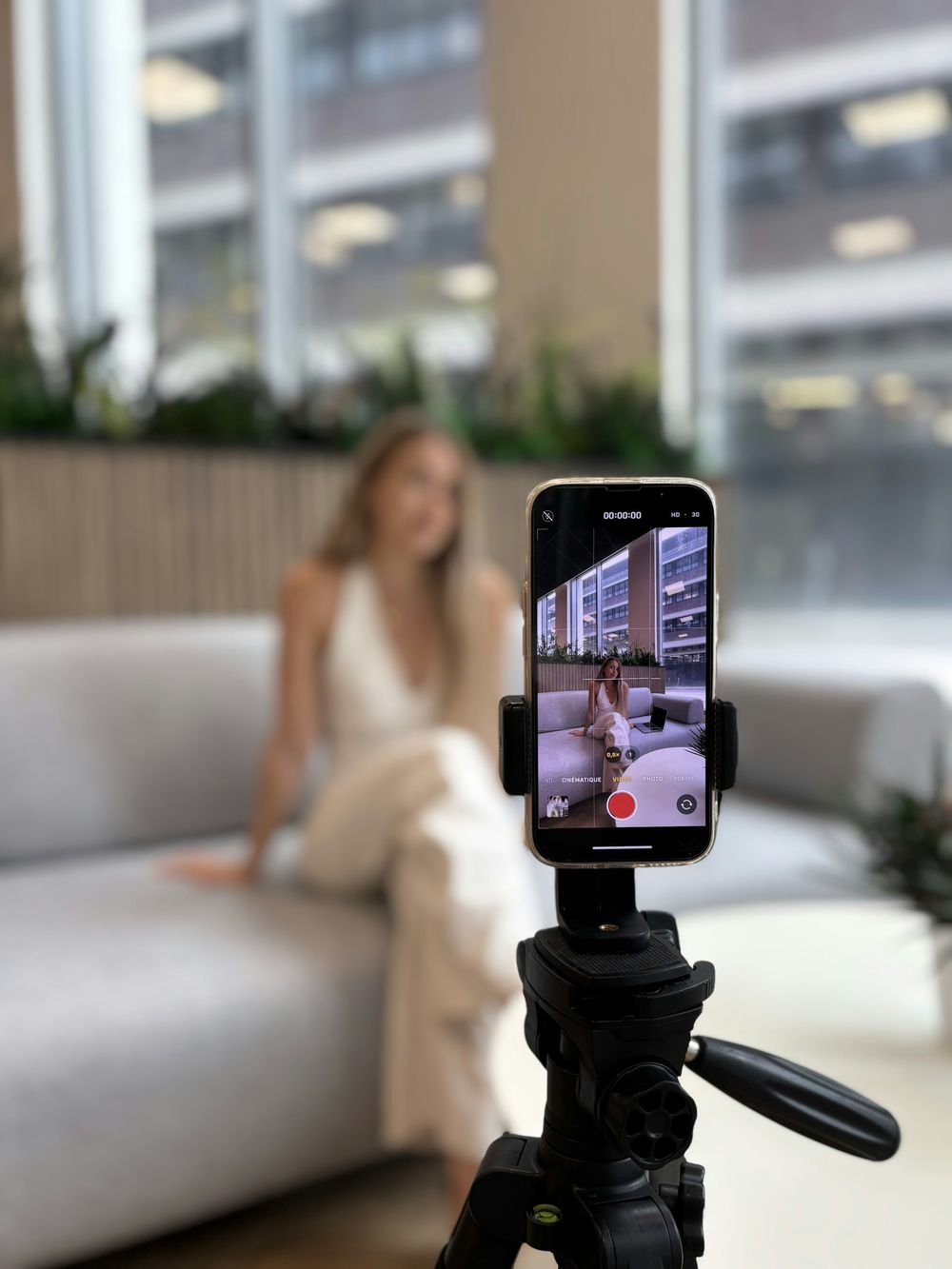
Use the back camera if you can. It has a better sensor than the selfie camera. If you need to see yourself, the front camera is fine on modern phones; just look into the lens, not at your own face.
Put the lens at eye level. A camera below your chin looks up your nose. A camera far above looks down on you. Eye level looks like a conversation.
Stand at the right distance. For a head-and-shoulders video, about an arm and a half away. For a hologram, step back to two or two and a half metres so your upper body fits, with a little room above your head.
Pick the right settings:
- 1080p or 4K, at 30 frames per second.
- Turn off portrait or cinematic mode. Its fake blur smears the edges of your hair and shoulders, which makes background removal harder.
- Wipe the lens. A greasy lens is the most common cause of hazy video.
- Lock focus and exposure. On an iPhone, press and hold on your face until "AE/AF Lock" appears. Most Android phones have a similar long press.
- Switch on Do Not Disturb so a notification doesn't ruin your best take.
Vertical or horizontal? For a hologram on a business card, in an email signature or on Instagram, film vertically: a standing person is taller than wide. For a website, YouTube or a presentation, film horizontally.
Light your face
This is the cheapest upgrade there is.
- Face the window. Put the light in front of you, or slightly to one side at about 45 degrees. Soft daylight on an overcast day is perfect.
- Never sit with a window behind you. The phone exposes for the bright window and you turn into a silhouette.
- Avoid light only from above. Ceiling lights cast shadows under your eyes. If you must use them, add a lamp in front of you.
- Don't mix colours. Warm lamps plus cold daylight give you an orange cheek and a blue cheek. Pick one.
Filming in the evening? A ring light or a small LED panel just behind the phone, a little above eye level, does the job. Set it to daylight white and bounce it off a wall if it feels harsh.

Choose your background
For a normal video, pick something tidy with a bit of depth: a bookshelf, a plant, a clean desk. Avoid a busy pattern and anything with readable text or logos you don't own.
For a hologram, it's different, because the background will be removed:
- Use a plain wall and stand about a step in front of it, so your shadow doesn't land on it.
- Wear clothes that contrast with the wall. A white shirt in front of a white wall makes a cutout guess where you end.
- Make sure nobody else walks through the shot, and that nothing moves behind you, like a TV or a fan.
- Keep your hands in front of your body. Hands that wave outside the frame get cut off.
You don't need a green screen. Meishi removes the background automatically when it prepares your hologram.
Get clean sound
Viewers forgive slightly soft video. They don't forgive bad sound.
- Pick a soft room. Curtains, sofas, rugs and books swallow echo. Empty rooms, kitchens and bathrooms bounce it around.
- Get the mic close. The phone's own microphone is fine within about a metre. Further away, you sound like you're in a hall.
- Better: clip on a lavalier mic a hand's width below your chin, and hide the cable under your shirt.
- Kill the noise. Fans, air conditioning, open windows, a humming fridge. You stop hearing them; your viewers won't.
- Record a five-second test and listen to it on headphones before you do the real takes.

One more thing: holograms on business cards start muted, and people tap to turn the sound on. So make the first two seconds work without sound. Smile, nod, maybe wave.
Write a 20-second script
People speak about 130 to 150 words a minute, so 20 seconds is around 50 words. That's three sentences. Use this structure:
- Hello and your name.
- What you do, and for whom. One sentence, in plain words.
- One detail that makes it real. A number, a client, a result.
- One next step. Save my contact, book a call, visit the shop.
Write the way you speak, then read it out loud. If you stumble, the sentence is too long. Don't memorise it word for word; remember the four beats and say them naturally.
Look and sound natural on camera
- Look into the lens, not at the screen. A small sticky note with an arrow next to the lens helps.
- Smile before you start talking, and hold still for a second at the beginning and the end. It gives you clean points to trim.
- Bring a bit more energy than in a normal conversation. The camera flattens everything.
- Wear solid colours. Fine stripes and small checks flicker on camera. Skip anything with big logos.
- Do five takes. The first is stiff, the second is careful, and somewhere around the third you sound like yourself.
Edit lightly
Trim the silence at the start and end, and keep the clip under 30 seconds. You don't need an editing app for that: the Photos app on iPhone and the Gallery app on Android both trim videos. If you record straight in Meishi, you can trim in the browser before you upload.
Export as MP4 or MOV. For a Meishi hologram, the file can be up to about 100 MB and 59 seconds long, which any phone clip of that length will be.
For LinkedIn or your website, add captions. Most people watch social video without sound.
Turn your clip into a hologram
Once you have a good take, it takes about fifteen minutes to put it on a printed business card or in your email signature. Upload it in Meishi, and the background is removed for you. When someone scans your card, you appear on it, standing on the paper.
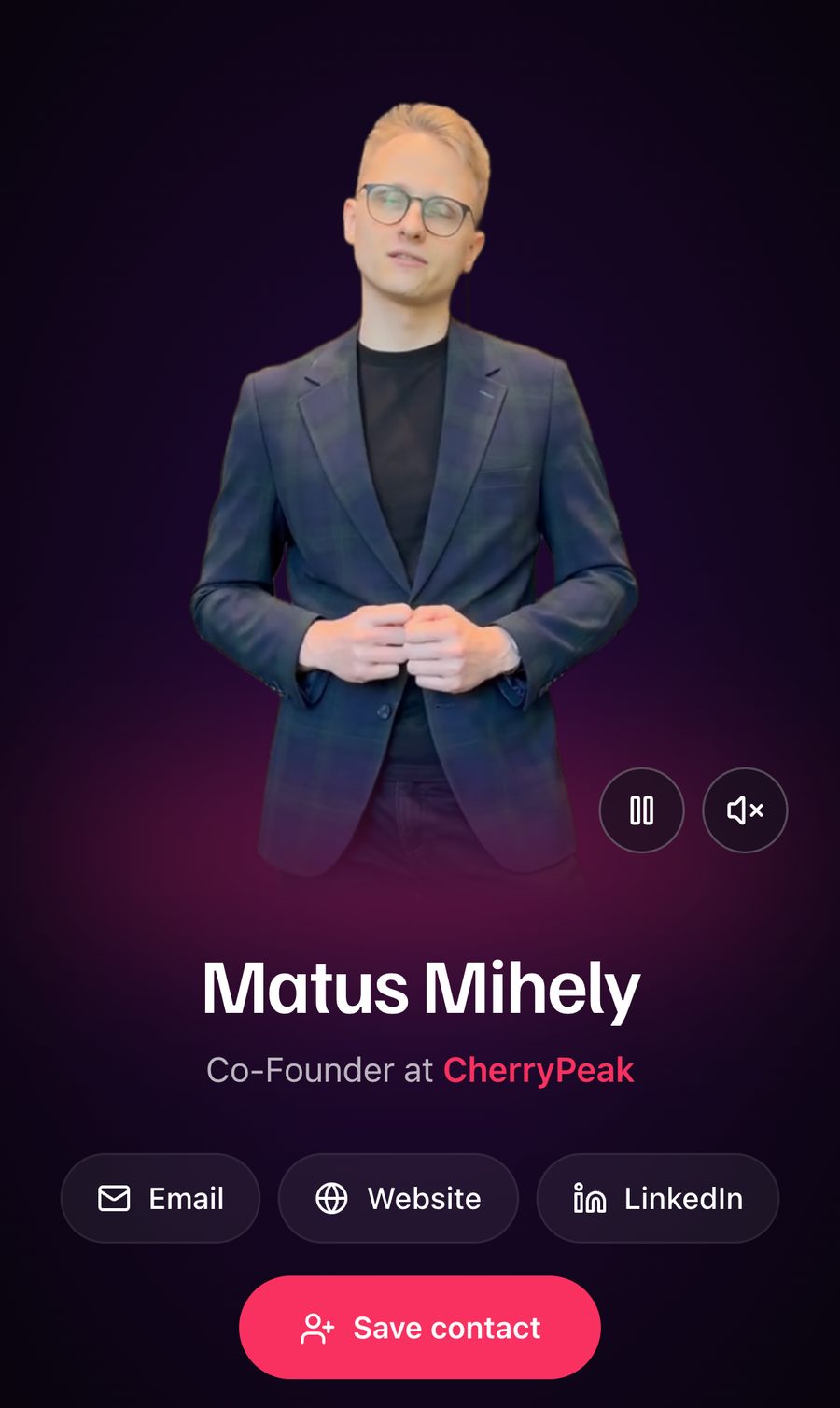
Here is the step-by-step guide: how to make a hologram of yourself. And if you want the clip in every email you send, read how to add a video to your email signature.
Your checklist
- Phone on a tripod, lens at eye level, lens wiped
- 1080p or 4K at 30 fps, portrait mode off, focus and exposure locked
- Window in front of you, ceiling lights off
- Plain wall a step behind you (for a hologram)
- Quiet room, mic close, test recording checked on headphones
- Script of about 50 words, four beats
- Smile, pause, talk, pause
- Five takes, keep the best, trim to under 30 seconds
Frequently asked questions
How long should a self-introduction video be?
For a business card or email signature, 15 to 30 seconds. For a website about page, up to 60 to 90 seconds. Shorter is almost always better.
Should I film vertically or horizontally?
Vertically for holograms, email signatures and Instagram, because a standing person is taller than wide. Horizontally for YouTube, websites and presentations.
Should I use the front or the back camera?
The back camera has a better sensor, so use it when you can. Modern front cameras are good enough if you need to see yourself; just remember to look into the lens.
Do I need a green screen for a hologram?
No. Meishi removes the background automatically. A plain wall, a step of distance from it and clothes that contrast with it are enough.
What should I wear on camera?
Solid colours that contrast with your background. Avoid fine stripes and small checks, which flicker on video, and large logos.
How do I stop looking at myself while recording?
Use the back camera, or put a small sticky note with an arrow right next to the lens and talk to it as if it were the person you are meeting.